
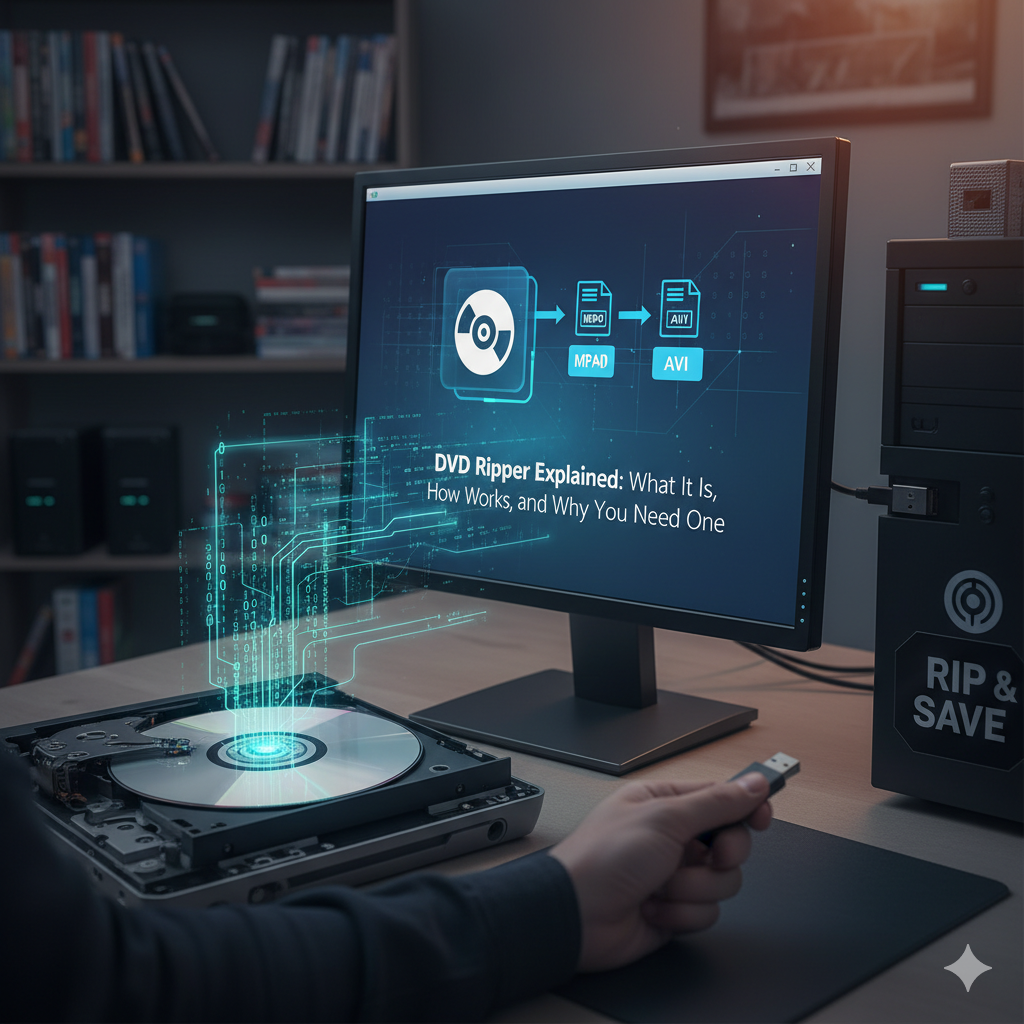
Even though digital streaming is now common, many people still own a collection of DVDs, from favorite movies to valuable training videos. A DVD ripper makes it possible to turn those discs into digital files you can store, share, or play anywhere.
In this article, we’ll explain what a DVD ripper is, how it works, and why it’s still useful in 2025. If you’ve ever wondered how to convert your DVDs safely and easily, this guide covers everything you need to know.
What Is a DVD Ripper?
Simple Definition
A DVD ripper is a software tool that lets you copy or convert the content of a DVD into digital formats such as MP4, AVI, or MKV.
This process is called “ripping”, and it allows you to save your favorite DVD content on your computer, smartphone, or cloud storage.
Why It Matters
DVD rippers are helpful because:
- DVDs can get scratched or damaged over time.
- Many modern laptops no longer have DVD drives.
- Digital copies are easier to organize, back up, and play anytime.
How a DVD Ripper Works
A DVD ripper reads the data from your DVD, extracts the video and audio files, and converts them into a format you choose.
Step-by-Step Process
- Insert your DVD into your computer’s DVD drive.
- Open the DVD ripper software.
- The software scans the disc and identifies the files inside.
- You choose the output format, such as MP4 or MOV.
- The program converts and saves the video to your computer.
Once the process is complete, you can play the ripped video on almost any device, without needing the physical disc.
Different Types of DVD Rippers
There are various types of DVD rippers available, depending on your needs.
1. Free DVD Rippers
These are basic tools that let you rip DVDs without cost.
- Example: HandBrake (a popular open-source tool).
- Ideal for beginners who just want simple conversions.
2. Paid DVD Rippers
Premium DVD rippers come with more features, such as faster conversion, batch processing, and enhanced quality.
- Example: WinX DVD Ripper or DVDFab.
- Best for users who need professional-level results.
3. Online DVD Rippers
Some websites allow you to upload and convert DVD files directly online, no software installation needed.
- However, these are usually slower and may not handle large files efficiently.
Key Features to Look For in a DVD Ripper
When choosing the right software, keep these features in mind:
1. Format Support
A good DVD ripper should convert DVDs into multiple video formats, MP4, AVI, MOV, MKV, etc.
2. Speed and Quality
Modern DVD rippers use GPU acceleration for faster conversion without losing quality.
3. Editing Options
Some tools let you trim, crop, or add subtitles before converting your video.
4. Decryption Capability
Certain DVDs have copy protection. A professional DVD ripper can safely bypass this (for personal use only).
Why You Might Need a DVD Ripper in 2025
Even with the rise of streaming services, DVD rippers remain useful for several reasons.
1. Preserve Old Memories
If you have wedding videos, old family movies, or school projects stored on DVDs, ripping them ensures they’re safe and shareable.
2. Watch Offline Anytime
Ripped DVDs can be played without an internet connection, perfect for flights or travel.
3. Reduce Physical Storage
Digitizing your collection saves physical space and makes your media library more organized.
4. Improve Accessibility
Digital files are easy to edit, subtitle, and share with others online.
Are DVD Rippers Legal?
The Legal Aspect
DVD ripping is legal for personal use in many countries, such as making a backup of a DVD you already own.
However, sharing or distributing copyrighted material without permission is illegal.
Pro Tip
Always check your country’s copyright laws before using a DVD ripper for commercial or sharing purposes.
Top DVD Rippers to Try in 2025
Here are some of the most trusted and safe DVD ripping tools available today.
1. WinX DVD Ripper Platinum
- Fast, stable, and easy to use.
- Supports hundreds of output formats.
- Great for both Windows and macOS users.
2. HandBrake
- Free and open-source.
- Works on Windows, macOS, and Linux.
- Excellent for basic conversions.
3. DVDFab DVD Ripper
- Professional-grade tool with high-speed ripping.
- Offers features like subtitle embedding and video compression.
4. MakeMKV
- Simple and effective.
- Great for ripping DVD or Blu-ray discs to MKV format.
Best Practices for Using a DVD Ripper
1. Keep Original Discs Safe
After ripping, store your original DVDs in cases or sleeves to prevent damage.
2. Check Video Quality
Always preview the ripped video to ensure the quality and audio sync are correct.
3. Use Reliable Software
Avoid downloading suspicious tools. Stick with official websites or trusted platforms.
Safety Tips for Ripping DVDs
- Use antivirus software to scan any tool before downloading.
- Avoid websites that offer cracked or pirated rippers.
- Make sure your ripper doesn’t install unwanted add-ons or ads.
Related Articles You Might Find Helpful (Internal Links)
- Best Ways to Backup Your Digital Files in 2025
- Top Software Tools for Converting Video Formats
- How to Protect Your Data with Smart Storage Solutions
External Resources
- Learn more about DVD structure and technology from Wikipedia: DVD
- Check out detailed comparisons at TechRadar’s Best DVD Ripper Guide
Conclusion
While technology keeps evolving, DVDs are still part of our digital lives. A DVD ripper bridges the gap between physical and digital media, giving you more control over your videos and data.
Whether you want to back up old discs, save space, or enjoy offline access, using a reliable DVD ripper in 2025 is a smart and practical choice.
Take a few minutes to explore the tools mentioned above, follow safety tips, and digitize your valuable content, easily and securely.